
Outrush R vs Packtalk Edge: Which Bluetooth Setup Belongs in Your Helmet?

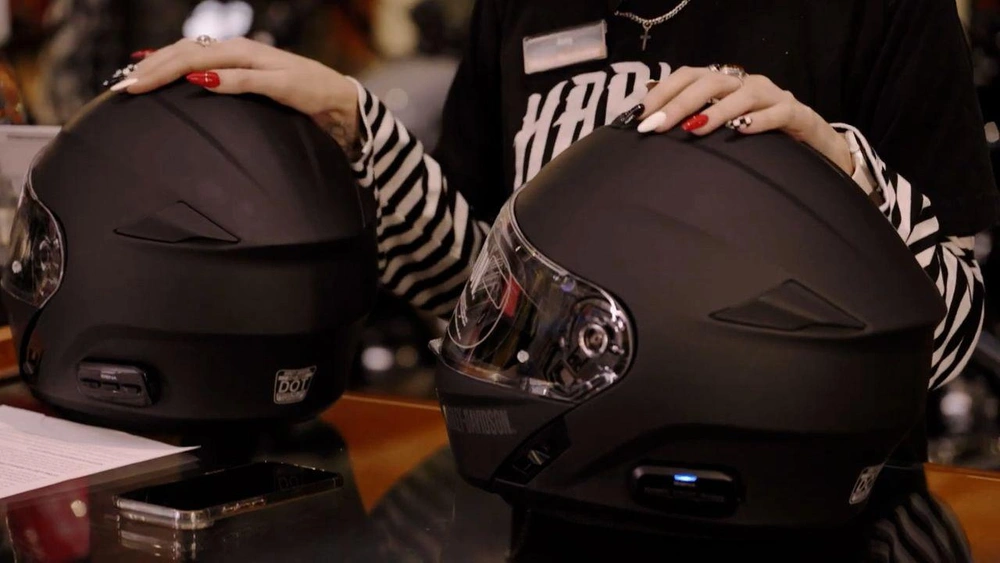
Music, directions, phone calls and a rider next to you that you can stay connected to. Sooner or later, most riders want sound in their helmet and there are two very different ways to do it. Buy a helmet with a Bluetooth comms system already built in, or add the system to the helmet you already own.
Amy from our Merchandise department and Jules from Service are here to show you both options at our store here in Vancouver: the Outrush R helmet with built-in Bluetooth, as well as the Harley-Davidson Packtalk Edge. Here's how each one works, how to set them up, and which one makes sense for you.
THE OUTRUSH R: BLUETOOTH HELMET STRAIGHT OUT OF THE BOX
The Outrush R is a modular full-face helmet with a Sena Bluetooth system already installed. No mounting, no wiring, no installation. Charge it, turn it on, ride.
The helmet is an easy to use option for those looking for something quick and efficient for every ride. It has a three-point ventilation system, a drop-down sun visor built into the shell, and it can connect with up to four riders so you can talk or share music on a group ride.

Pairing it to your phone is about as simple as this gets. Hold the plus button and the middle button until the speakers say "hello". Keep holding and you'll hear "phone pairing". Pick the "Outrush R" from your phones Bluetooth list in settings, and wait for it to confirm with a beep and a spoken "connected". The light on the comms system will now show solid blue. From there, your Spotify, Apple Music, and phone calls all live in the helmet. Press the centre button to answer a call, hold it for two seconds to decline or end it.
linking two riders together
Two Outrush helmets can be connected and talk to each other without phones being involved. Turn both helmets on and hold the centre button on one, until you hear intercom pairing and the light flashes red. Do the same to the second helmet and tap the middle button once on both which will encourage the two to connect. When both lights flash blue, you're connected. One tap and off you go.
connecting the outrush r to your bike
Here's where the order of what you connect first matters. Doing it backwards is why most riders think their set up is broken.
Your phone will always connect to the bike first. Go into your bike's settings, open Device Manager, add your phone as a new device, and accept the confirmation codes on both screens. Then connect your helmet to your phone the same way as before. The phone is the middleman. Once all three are talking to each other, you can skip songs and answer calls from the bike's controls without touching your phone at all.
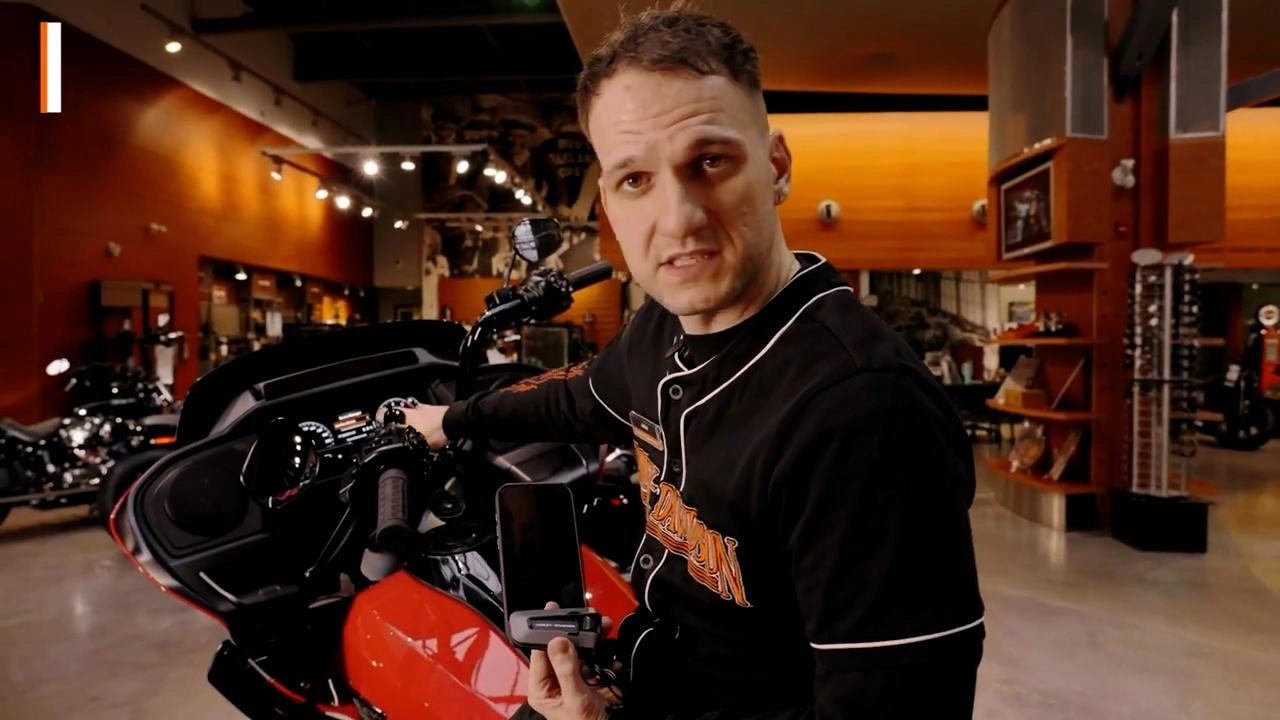
One honest catch: Your bike's integration needs a 2024 or newer motorcycle as these have the current and correct infotainment system that works with the Outrush R helmet. Older bikes won't connect this way unless they have the WHIM system installed. (The Wireless Headset Interface Module.) If you're not sure what your bike has, give us a call and ask.
The packtalk edge: add your blueooth to a helmet you already love
The Harley Davidson Packtalk Edge takes the opposite approach. Instead of replacing your helmet, it moves in. It comes as a solo unit or a dual kit for two helmets, alongside 40 millimetre JBL speakers, a fast charger, mounts, sticky pads and spacers to bring the speakers closer to your ears. The kit also includes a boom microphone for those wanting to install it on a half helmet.
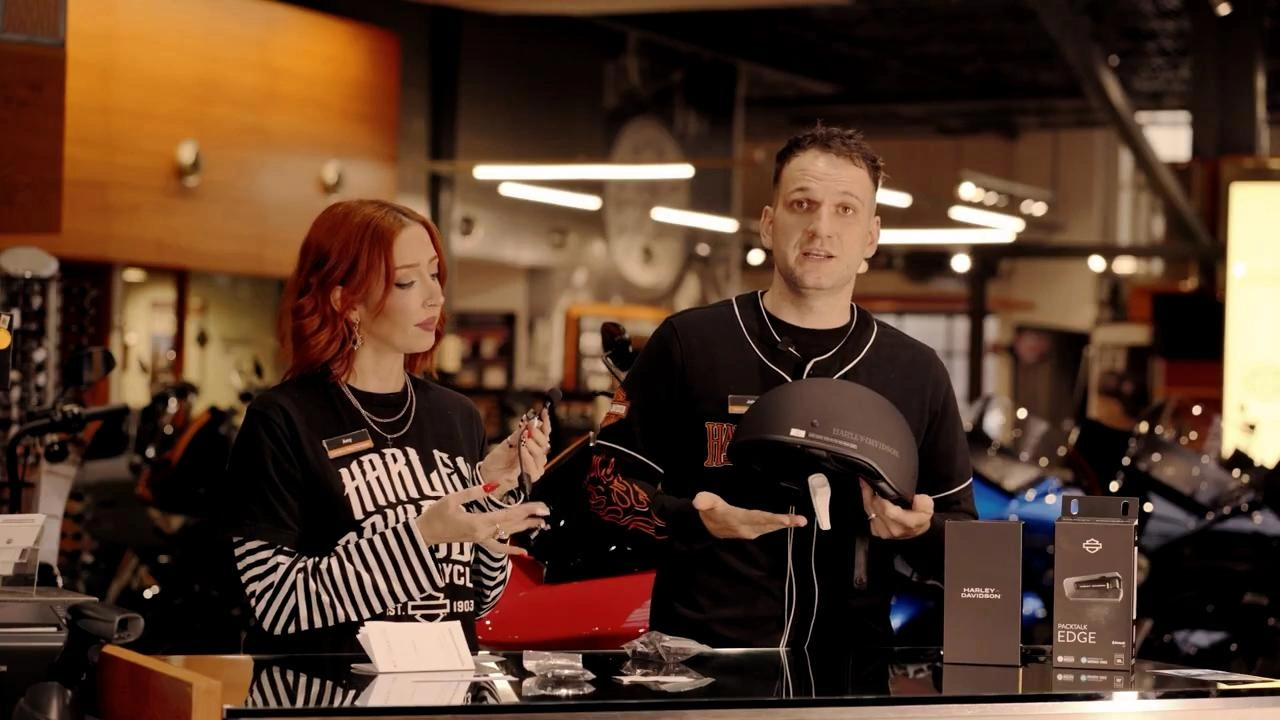
Setup runs through the bike directly. Power the unit on, put it in pairing mode, then add it through Device Manager on your infotainment screen, followed by your phone. Once everything's connected, the audio routing menu lets you send music and prompts the headset or the bike's speakers, and will flip between them whenever you like.
installing the packtalk edge
Installation is more straightforward than it sounds. Pop out the helmet's cheek panels and headliner, and you'll find cutouts where the JBL speakers drop right in. Clean the mounting spots with an alcohol swab, stick the velcro pads, add spacers if the sound sits too far from your ears and you're done. Half helmet riders get the boom mic, and you will find a clip for the charging dock if wind and rough weather work the sticky mount loose.
so which one is for you?
The Outrush R is for the rider who wants one purchase and zero installation. new helmet, built in comms, working before you even leave the parking lot. The trade-off is that full bike integration needs that 2024-or-newer infotainment.
The Packtalk Edge is for the rider whose helmet already fits perfectly and isn't going anywhere. It's also the answer for half helmet riders, and the JBL speakers are a real upgrade if sound quality is priority. The trade off is twenty minutes with velcro and an alcohol swab.
Frequently Asked Questions:
Do I need a new bike to use helmet Bluetooth?
No. Both systems pair to your phone for music and calls on any bike. The 2024-or-newerrequirement only applies to controlling everything through your bike's infotainment screen. Olderbikes can get there with a separate wireless module.
Can two riders talk to each other?
Yes, both systems handle it. Two Outrush R helmets pair directly through intercom mode, andthe Packtalk Edge comes in a dual kit for exactly that.
Will the Packtalk Edge work with a half helmet?
Yes. The kit includes a boom microphone extension and a separate mount specifically for halfhelmets.
Do I have to touch my phone while riding?
No, and you shouldn't. Once set up, calls and music run from the helmet buttons or your bike'shand controls.
Come Settle It in Person.
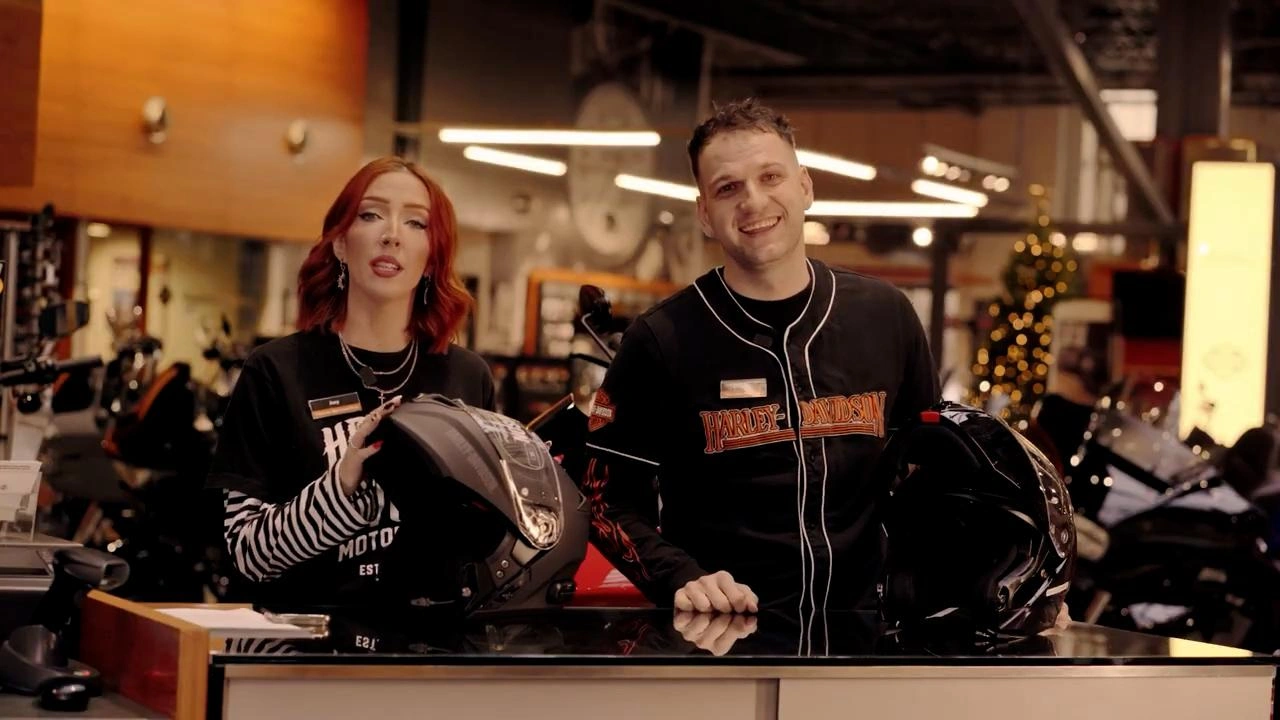
The right answer depends on your helmet, your bike, and how you ride, and that's easier to sortout in person than in a comments section. Come try on the Outrush R, have a look at the Packtalk Edge kit, and ask Amy or Jules whatever the video didn't answer.
We're at 1875 Boundary Rd in Vancouver, Tuesday through Saturday, or call 604-291-2453 and the team will point you at the right option before you spend a dollar.